
Understanding Digital Media
Digital media serves as a powerful and efficient resource that enhances the teaching and learning journey. Instructional designers can leverage a variety of digital media formats—such as videos, audio files, digital text, images, and graphics—along with interactive elements and animations to promote and deepen student learning. These innovative tools enable educators to create educational experiences that are not only accessible but also engaging for students.
What is a Digital Media Checklist?
The Digital Media Checklist is a valuable tool that assists us in assessing the quality of digital media content intended for use in courses or training programs. By using this checklist, we can verify that the content is appropriate and effective in achieving the intended learning objectives, captivating student interest, and enhancing the overall educational experience. Evaluating digital media content is essential, and the checklist acts as a crucial aid in determining its relevance, alignment with course goals, and its potential to support learning outcomes. When digital media meets these criteria, it contributes to a lively and interactive learning environment for students.
Criteria for the Digital Media Checklist
To maintain the quality and credibility of digital media resources chosen for educational purposes, we need to thoughtfully establish criteria for their checklist. Key standards to consider include audience relevance, licensing agreements, accessibility, topical relevance, compliance with educational standards, and interactivity.
Digital Documents
Introduction to Directive vs Non-directive Therapy Minicourse
Audio File
Digital Media Checklist
Reflections
This document introduces the differences between directive and non-directive therapy modalities, with the goal of helping learners understand various therapeutic approaches and their real-world applications. It offers definitions, relevant examples, and explores additional therapy modalities, making it suitable for individuals who are new to psychotherapy and helping them make informed choices about their therapy options.
The design process prioritized clarity, accessibility, and relevance. Key elements involved structuring the content to provide a concise comparison of both therapy forms and choosing practical examples that resonate with a diverse audience. By incorporating hybrid approaches, the document presents a well-rounded perspective while remaining focused on the main objective.
Throughout the development process, I recognized the importance of blending detail with simplicity to engage learners without causing confusion. Integrating relatable examples emphasized the real-life applicability of the information, which is essential in instructional design. I envisioned my audience to know nothing about therapy modalities or experiences and wanted to highlight the significance of aligning content with learner outcomes. By centering the content around the learners, this document simplifies the mysteries surrounding psychotherapy for a wider audience.
Digital Images
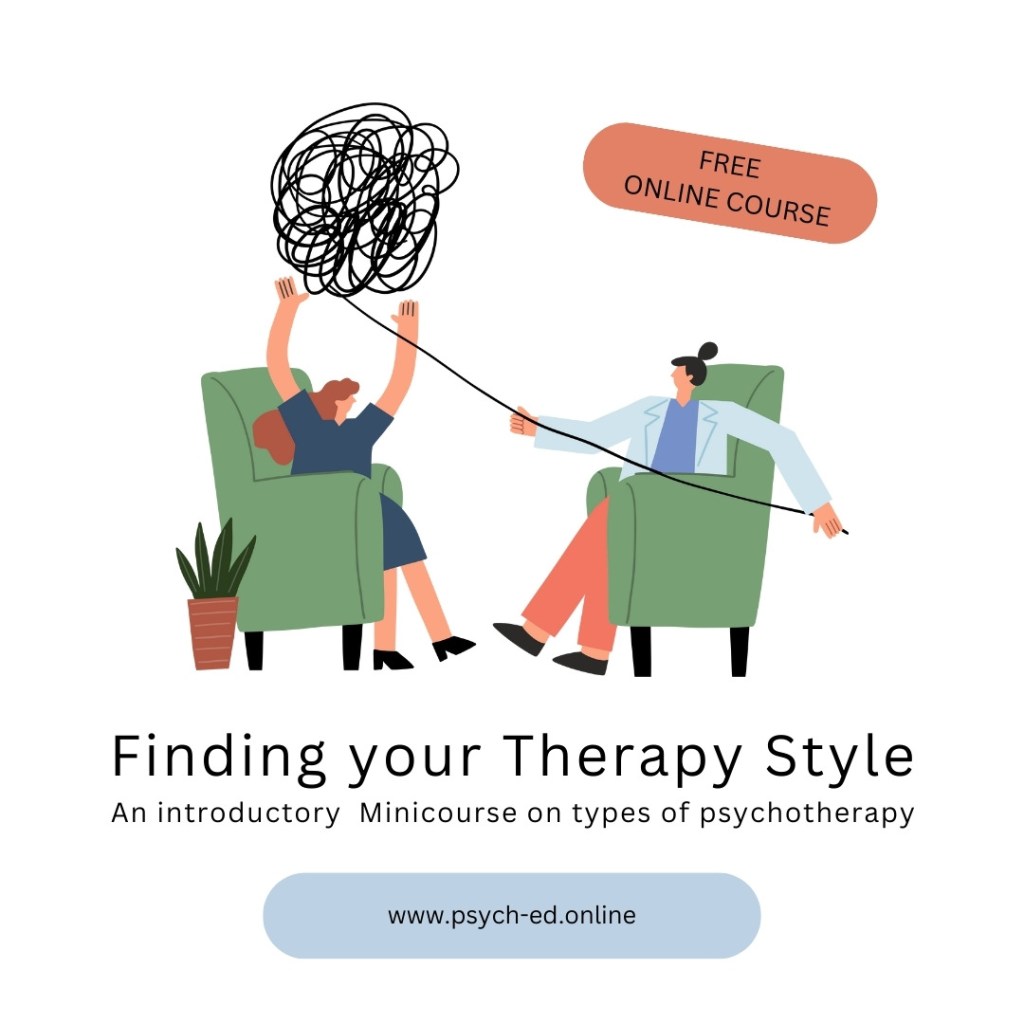
Reflections
This is the logo for my minicourse titled “Finding Your Therapy Style.” This logo serves as a visual representation of the course’s focus on exploring various therapeutic approaches. It aligns with the learning objective of helping learners identify and understand different therapy modalities to make informed decisions about their personal therapy preferences.
To meet digital design standards, I prioritized simplicity and accessibility in the logo’s design. The design process involved selecting symbols and colors that resonate with the theme of personal growth and self-discovery, ensuring they are easily interpretable by a diverse audience. I aimed for a clean and professional look that would appeal to individuals seeking guidance in therapy selection.
The logo was created in Canva using both original design elements and third party illustrations that allow me to use the materials for educational and promotional purposes.
For accessibility, the alt text for the logo is: “Announcement for Minicourse: Finding Your Therapy Style. Free online course available at http://www.psych-ed.online.” This description provides context and ensures that all users, including those using screen readers, can understand the purpose and content of the image.
Minicourse Video
Reflections
This video serves as an introduction and initial overview of the mini course. Unfortunately, I was not able to use Closed Captions, but decided to use Camtasia’s Open Captions instead. I plan on re-recording the video and editing the Closed Captions directly in YouTube. My initial plan was to publish the video directly on my website and not go through YouTube, but I need to learn how to properly set up the CC in Camtasia.
I really enjoy working with Camtasia and have created several screen recordings in the past. It’s a fairly easy recording and editing software.
 Better Learning Design